Who This Is For and When It Pays Off
This task suits businesses and professionals aiming to connect directly with decision makers for sales, partnerships, or market research. It helps bypass general contact points and reach the relevant executives or managers.
It is especially useful for sales teams, business development specialists, recruiters, and consultants who want a targeted list for LinkedIn outreach or follow-up via other channels.
How the Katteb Agent Performs This Task
- The agent begins by interpreting your business criteria to define relevant industries, company sizes, and decision maker roles.
- It signs into your LinkedIn account to gain access to the network and performs a tailored search for people that match your target profile.
- Using LinkedIn’s advanced filters, the agent refines results to decision makers such as CEOs, Directors, Managers, or heads of departments in companies aligned with your business.
- The agent visits each profile to verify role data, company affiliation, and active status before collecting the information.
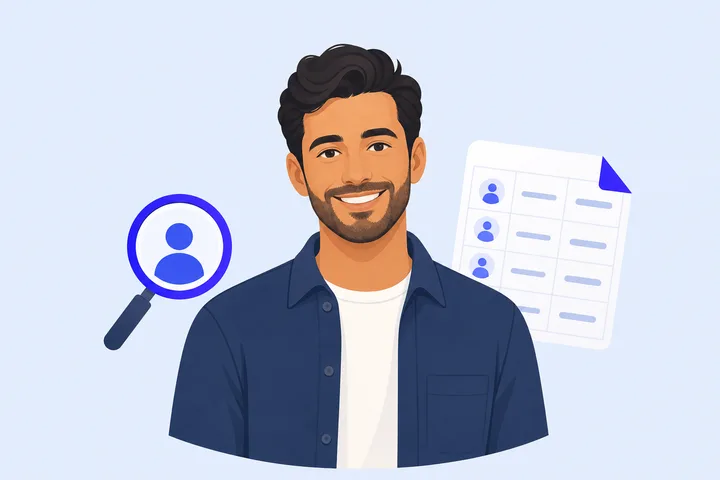
- It compiles the names, roles, company names, and direct LinkedIn profile links into a spreadsheet.
- Once the spreadsheet contains 40 verified decision makers, the agent prepares it in a simple, clean format ready for export.
- Finally, the agent delivers the file through your preferred interface or storage location.
What You Provide Before the Agent Starts
- Your LinkedIn login credentials to enable the agent to access and search within your account.
- Specific criteria for target companies, such as industry, company size, or location.
- A list or description of the decision maker roles you want to find (e.g., CEO, VP Sales, IT Manager).
- Any extra filters or keywords relevant to your business targets to improve search accuracy.
What a Good Result Looks Like
The agent delivers a spreadsheet with 40 decision makers from LinkedIn, including the following fields: Full Name, Role/Title, Company Name, and LinkedIn Profile URL.
The whole process typically completes within 30 to 45 minutes, depending on the complexity of criteria and network size.
Profiles are up-to-date and verified to ensure decision makers are active and hold the intended roles.
The file is easy to use for direct LinkedIn connection requests, email campaigns, or CRM imports.
What to Expect and What Is Not Promised
The agent relies on your LinkedIn account and its search capabilities, so the accuracy and completeness of results depend on LinkedIn’s platform and your network reach.
Some profiles may have privacy settings that limit the visibility of certain data.
The agent can only find information publicly available or accessible through your LinkedIn connections and will not bypass platform restrictions or paywalled features.
Results are limited to 40 decision makers per run to ensure relevance and quality. For larger or repeated lists, consider multiple tasks or upgrading to the Goals plan.
All results undergo basic verification, but responsibility for final outreach and compliance with LinkedIn’s policies rests with you.
Questions people ask
Can the agent find decision makers outside my direct LinkedIn connections?
Yes, the agent uses LinkedIn’s search tools to access profiles beyond your immediate connections, subject to platform visibility and restrictions.
What if the roles or companies I specify are too narrow or uncommon?
If your criteria are very specific, it may take longer to find 40 suitable decision makers or the result count may be lower. You can broaden filters or adjust the search parameters for better results.
Is the delivered list exportable to CRM or email marketing tools?
The agent provides a clean spreadsheet format that can be easily imported into most CRM systems or email marketing platforms for follow-up campaigns.
How does the agent handle duplicate or outdated profiles?
The agent verifies profiles actively during the search to minimize duplicates and ensures roles and company information are up-to-date at the time of extraction.
Do I need a premium LinkedIn subscription for the agent to work?
A standard LinkedIn account is sufficient, but some advanced search filters or profile visibility options may be limited without a premium subscription, potentially affecting search depth.